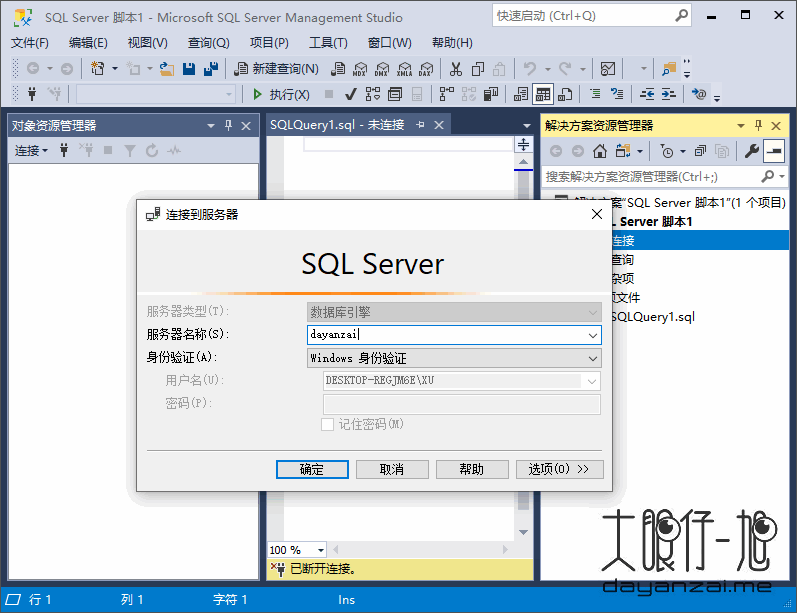
你也可以传递 /Passive 而不是 /Quiet 来查看设置 UI 。
如果一切正常,你可以看到 SSMS 安装在 %systemdrive%\SSMSto\Common7\IDE\Ssms.exe 中(具体视示例而定)。 如果出现故障,可以检查返回的错误代码,并在 %TEMP%\SSMSSetup 处查看日志文件。
SSMS 系统要求
当与最新可用的服务包一起使用时,SSMS 的当前版本支持以下 64 位平台:
支持的操作系统:
Windows Server 2022(64 位)
Windows 11(64 位)
Windows 10(64 位)1607 (10.0.14393) 或更高版本
Windows 8.1(64 位)
Windows Server 2019(64 位)
Windows Server 2016(64 位)
Windows Server 2012 R2(64 位)
Windows Server 2012(64 位)
Windows Server 2008 R2(64 位)
支持的硬件:
1.8 GHz 或更快的 x86(Intel、AMD)处理器。 推荐使用双核或更好的内核
2 GB RAM;建议 4 GB RAM(如果在虚拟机上运行,则最低 2.5 GB)
硬盘空间:2-10 GB 可用空间 官方主页
What’s new in Microsoft SQL Server Management Studio 18.11.1
March 9, 2022
New Item:
Azure Data Studio installation integration:
Installation of SSMS installs Azure Data Studio 1.35.0.
Data Classification:
Introduced Set Microsoft Information Protection Policy menu option.
Added M365 authentication window to set MIP policy.
Classify Data page and Add Classification page display the M365 sensitivity labels when in MIP policy mode.
Added warning icon against the columns if the prior classification and current Information Protection policy mode doesn’t match.
Link feature for Azure SQL Managed Instance:
Introduced connection wizard to assist with establishing a hybrid link between SQL Server and Managed Instance. See Link feature for Azure SQL Managed Instance.
Introduced failover wizard to assist with migration of databases from SQL Server to Azure SQL Managed Instance using the link feature.
资源:106.rar
解压密码:www.dayanzai.me
转载请保留出处,谢谢合作~ 点击下载(提取码:536766) 点击下载(提取码:536766) 点击下载(提取码:biiy) 点击下载(提取码:zqj9)